Today and tomorrow we will be doing some "mad scientist" work with Photoshop. I want you to combine either a plant and an animal (a Plantimal)
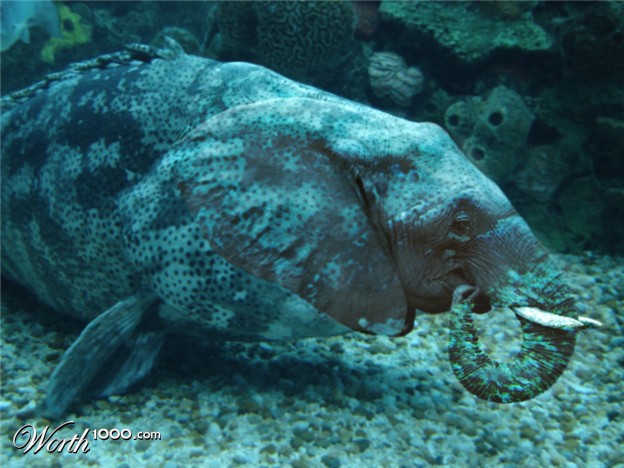
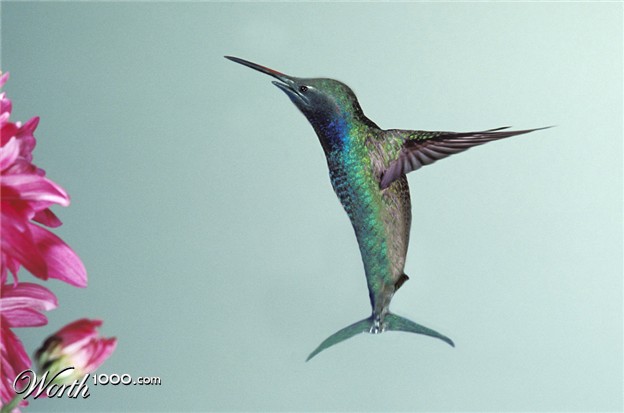
or combine two animals (a Chimera) into a single creature. It will help to choose things that have similar colors or textures or at least are facing the same direction. I am looking forward to seeing what you can come up with.
Please take your time to make these as seamless as possible. I suggest starting with LARGE images so you can blend things easier and still come out with a good sized final product.
(Extra points for original "visual puns" -- i.e. "Sea Lion" or "Dande-Lion" or "Dragon-Fly")
XD
First, some examples of Plantimals:
 |
Dande-Lion by Megan Griffith
Spider-Monkey by Griff (from class demonstration)
A Dragon-Fly by Griff (from class demonstration) | |
Some examples of Chimeras include: